


Cable Management 101: Best Tools to Tame the Tech Tangle


Tangled wires under your desk, charger cords slipping behind nightstands, or a jungle of HDMI and USB cables behind your entertainment center—sound familiar? You’re not alone. Managing tech clutter is one of the biggest challenges in any modern workspace or home setup.
The good news? With the right cable management tools, you can create a clean, organized, and stress-free tech space. Whether you work from home or just want your media station to look tidy, these tools can make a major difference.
👉 Tired of messy cords and lost chargers? It’s time to level up your setup with smart cable management solutions that actually work.
Key Sections
1. Start with a Cable Tray or Raceway
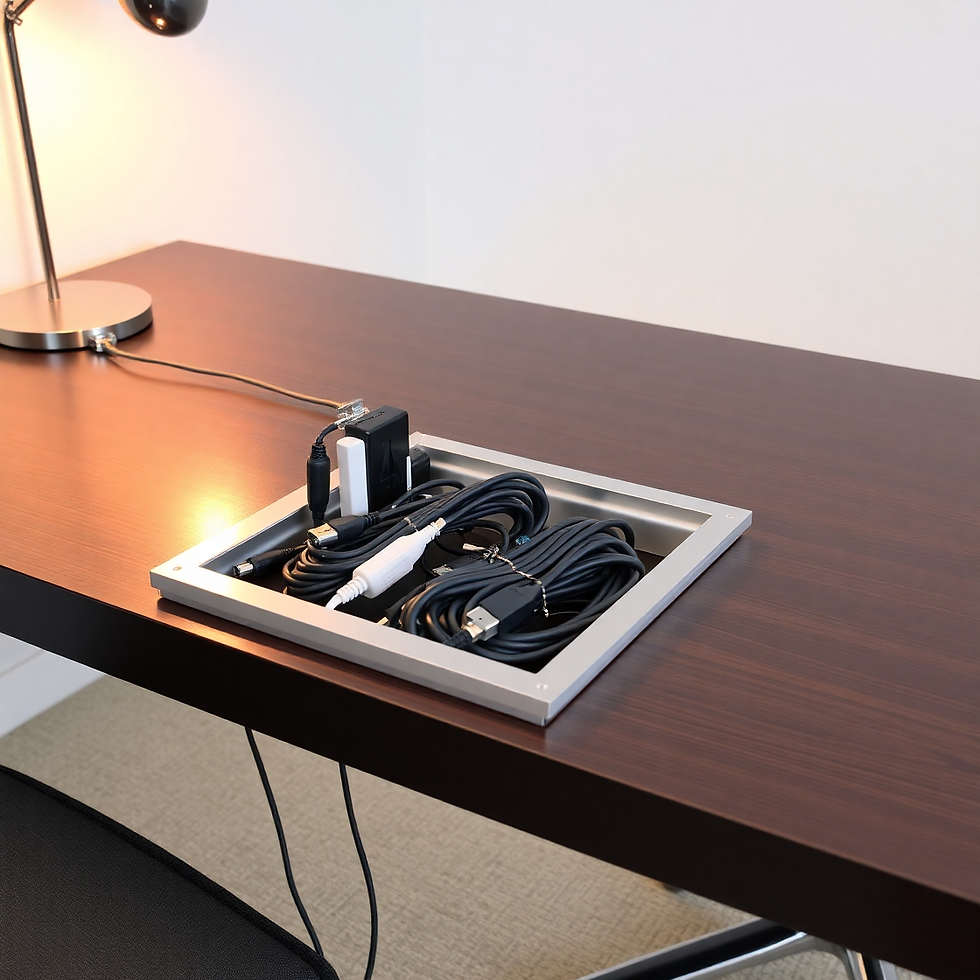
One of the simplest ways to control desk clutter is to use a cable tray or raceway mounted under or behind your desk. These tools route your wires out of sight and keep them elevated off the floor.
Why It Works:
Keeps cables neatly grouped
Prevents trip hazards
Easy to remove or adjust cables later
2. Use Cable Sleeves and Spiral Wraps

For multi-device setups like a gaming rig or editing station, cable sleeves or spiral wraps offer a clean, bundled look. These wrap around multiple cords to turn chaos into one sleek line.
Best For:
HDMI, monitor, and PC power cables
Audio/visual equipment setups
Multi-charger stations
3. Cable Clips and Adhesive Holders

If you’re constantly chasing falling phone chargers or laptop cords, adhesive cable clips are your best friend. Stick them to your desk, wall, or nightstand to keep cords within easy reach.
Pro Tip: Get reusable silicone clips for frequently used cables like USB-C or Lightning.
4. Labeling and Power Strip Organizers

The last piece of the puzzle is labeling cables and managing your power strip. Use color-coded labels or tags so you know exactly what each cable belongs to. A power strip organizer or under-desk mount can also go a long way toward keeping things clean.
Look for:
Velcro cable ties
Color tags
Cord labeling stickers
Final Thoughts: Organize Now, Save Time Later
Effective cable management isn’t just about looks—it helps prevent wear and tear, improves safety, and boosts productivity. With the right tools in place, you’ll spend less time untangling cords and more time getting things done.


Comments