


Minimalist Tech Setup: Organizing with Less but Smarter


The world of tech is full of flashy gadgets and endless accessories—but minimalism is making a bold return. A minimalist tech setup isn’t about stripping down functionality. It's about curating only what you truly need and organizing it intelligently.
Whether you work from home, game casually, or create content, going minimal can reduce distractions, cut clutter, and enhance focus.
👉 Reimagine your desk space today with a clean, efficient minimalist tech setup that supports your productivity without overwhelming you.
Key Sections
1. Choose Multi-Functional Devices

Start by eliminating redundant gadgets. Look for tools that can do more than one thing—like a monitor with built-in speakers, or a wireless keyboard with touchpad controls.
Benefits:
Less clutter from cables and gear
Simplified daily use
Streamlined workspace aesthetic
2. Use Vertical Storage and Hidden Mounts

Minimize desk surface usage by mounting key devices like routers, docking stations, and even monitors. Wall shelves, pegboards, or under-desk mounts help maintain clear surfaces.
Pro Tips:
Mount surge protectors and USB hubs under the desk
Use vertical laptop stands
Hide wires with minimalist cable trays
3. Limit Accessories to Daily Essentials
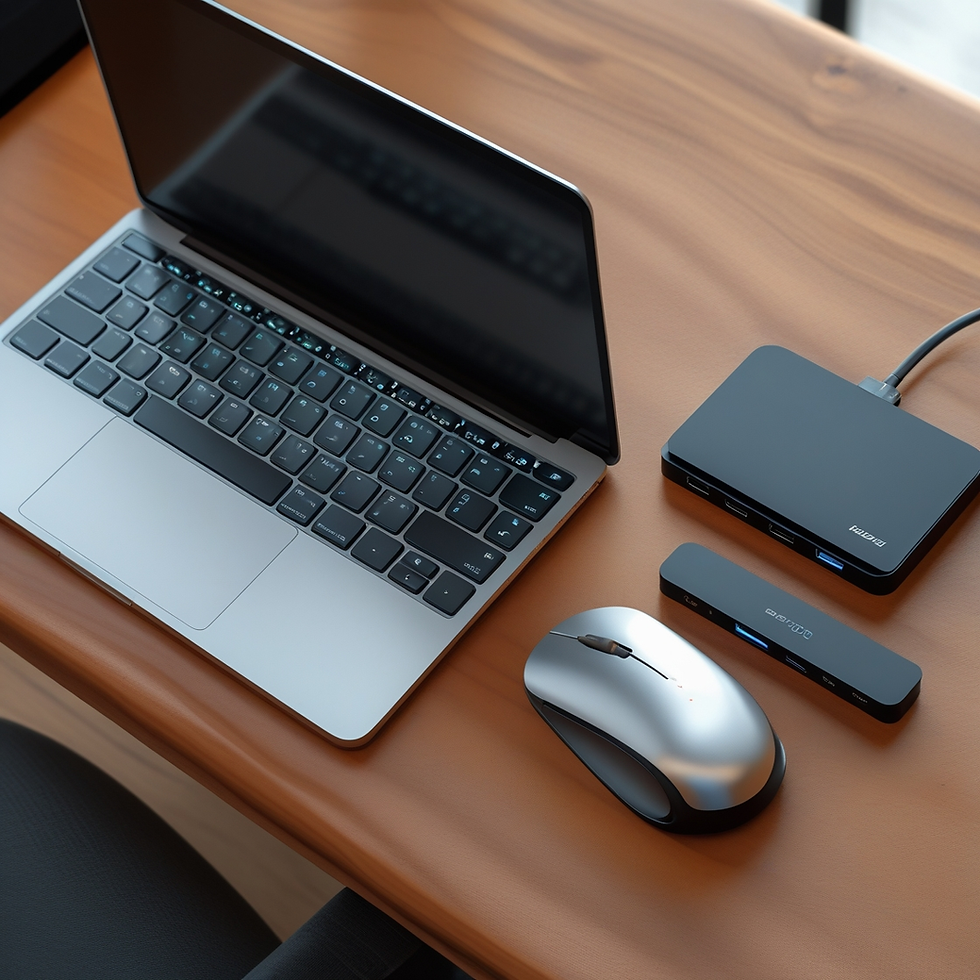
Avoid over-accessorizing. Keep only the essentials you use daily—such as your laptop, wireless mouse, charging dock, and maybe one external drive. Store everything else out of sight or in a drawer.
Examples of smart minimalist gear:
All-in-one docking hubs
Slim portable SSDs
Foldable laptop stands
4. Embrace a Unified Aesthetic

The true magic of a minimalist tech setup is in how everything fits together visually and functionally. Go for neutral colors, matching finishes, and fewer visual interruptions. This not only looks cleaner but also reduces cognitive overload.
Styling Ideas:
White, black, or wood-themed setups
Matching accessories (mouse, keyboard, monitor arm)
Hidden RGB lighting for subtle flair
Final Thoughts: Minimalist Tech Setup
Minimalism in tech isn’t about sacrificing capability—it’s about intentional simplicity. A well-thought-out minimalist tech setup helps you stay organized, efficient, and inspired. Every item has a purpose, and every inch of your space works smarter.


Comments