


No Editor Needed: How I Created a Video in 7 Minutes with AI Tools


If you’re a content creator, marketer, or entrepreneur looking to save time while maintaining quality, this article will show you how I created a full video in just 7 minutes—no editor needed. Using the latest AI tools, I streamlined the entire video production process, from script generation to voiceover to final cut. Ready to revolutionize your video workflow?
Let’s explore the AI tools and techniques that make rapid video creation possible and see how you can implement them in your content strategy today!
Table of Contents
1. Choosing the Right AI Tools for Fast Video Creation

The cornerstone of fast video creation is selecting AI tools that fit together seamlessly. Here’s a breakdown of popular categories and top choices:
Tool Type | Recommended AI Tools | Why Use Them? |
Script Generator | ChatGPT, Jasper AI | Fast, creative, and customizable scripts |
Voiceover AI | Descript Overdub, Murf.ai | Natural, human-like voice synthesis |
Video Editor | Pictory, InVideo, Kapwing | Automated video assembly and editing |
Captioning Tool | Quick, accurate subtitle generation |
Using these tools together means you can move from concept to final video faster than ever.
2. Generating a Video Script in Minutes
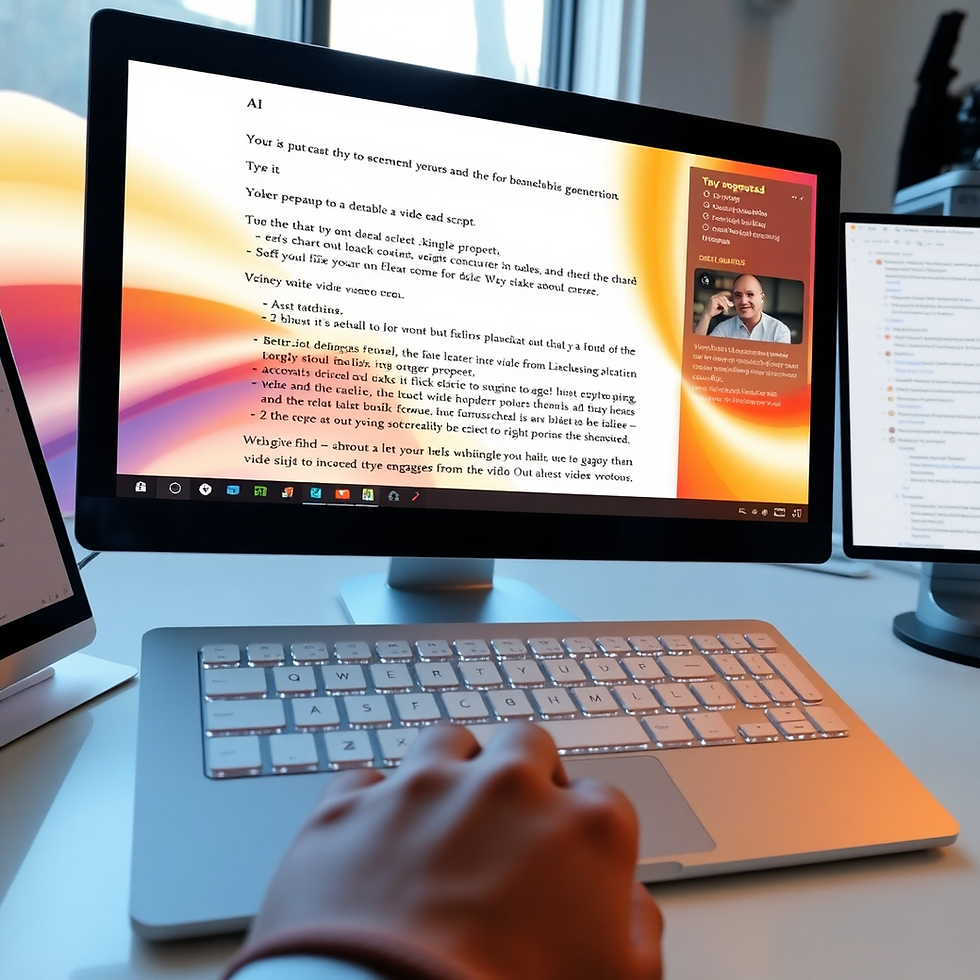
With AI script generators, crafting your video’s message becomes effortless. Simply input your topic or keywords, and the AI produces a structured script tailored to your style and audience. This approach is popular because:
Speed: Scripts can be ready in under 2 minutes.
Customization: You can adjust tone, length, and keywords easily.
Idea Expansion: AI helps overcome writer’s block with creative phrasing.
Try prompts like “Write a 3-minute video script on [topic] with a conversational tone” to get started.
3. Creating Human-Like Voiceovers Automatically
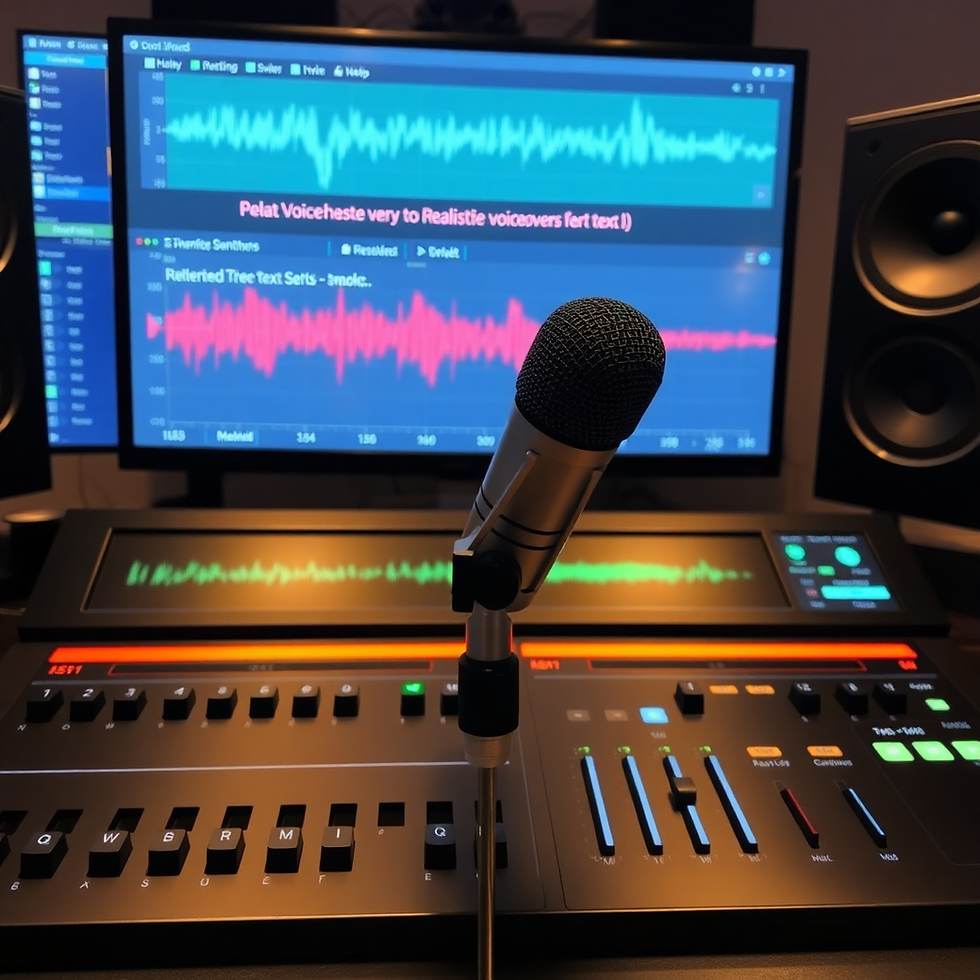
The next step after script creation is generating the voiceover. AI voice tools transform text into natural-sounding speech with emotional intonation. Benefits include:
Multiple Voice Options: Choose from diverse accents, genders, and styles.
Fast Turnaround: Voiceovers generated in seconds.
Editable Audio: Adjust speed, tone, and pauses for better flow.
Popular platforms like Descript Overdub and Murf.ai let you preview and tweak the voice until it fits perfectly.
4. Automating Video Assembly and Editing
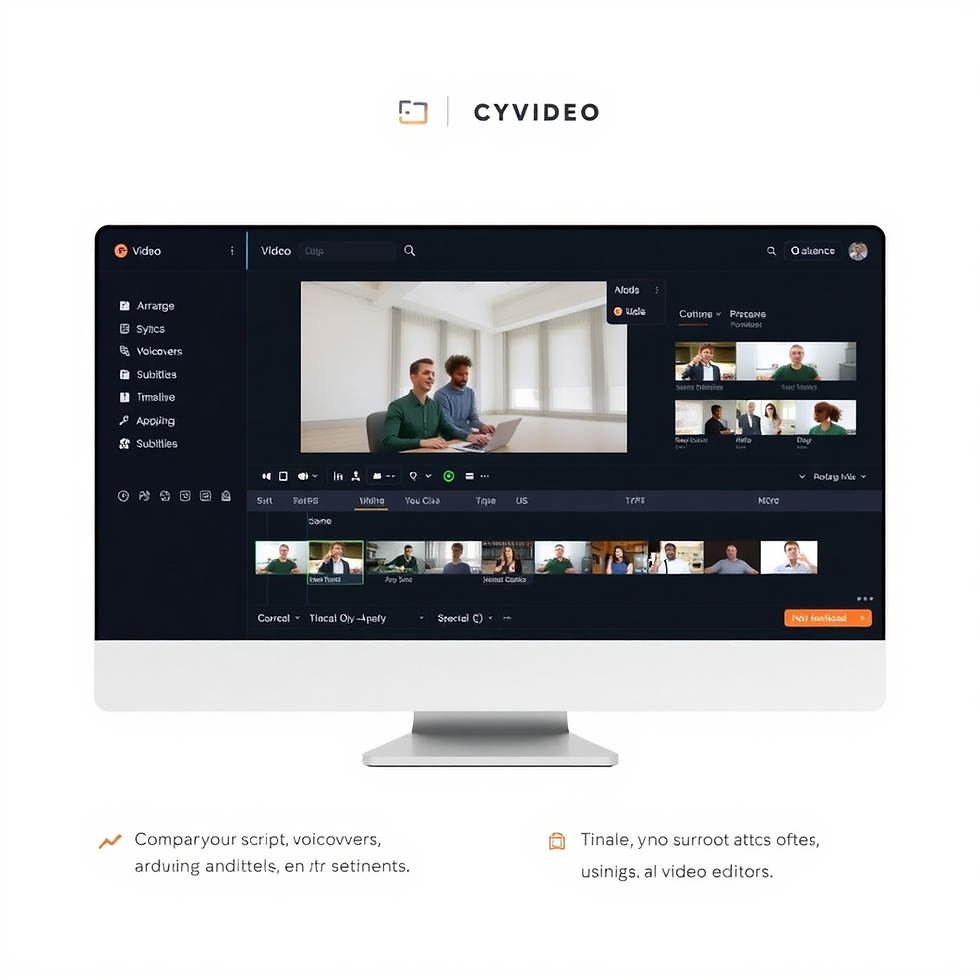
Smart Clip Selection: Auto-choose relevant footage or images based on the script.
Subtitle Generation: Sync captions automatically for accessibility.
Template Application: Brand colors, intros, and outros applied consistently.
Quick Export: One-click rendering optimized for YouTube or social media.
This step eliminates hours of manual editing, making video production truly hands-off.
5. Final Tips to Optimize Your AI Video Workflow

To maximize your results:
Plan Your Content: Have clear goals to guide AI prompts.
Use Consistent Branding: Incorporate templates to keep your videos on-brand.
Review Before Publishing: Always check AI outputs for accuracy and tone.
Experiment and Iterate: Try different voices, styles, and lengths to see what resonates best.
Leverage Analytics: Use platform insights to refine your approach.
By optimizing your workflow, AI video creation becomes an indispensable asset in your content toolkit.
Conclusion & Call to Action
Creating a video in just 7 minutes without an editor is not science fiction—it’s the power of today’s AI tools working in harmony. From instant script generation to lifelike voiceovers and automated editing, you can produce professional videos faster and easier than ever before.


Comments