


Set Up Auto-Replies & Comment Triggers to Boost Engagement


Engagement is the lifeblood of any thriving online community or content platform. But keeping up with every comment or message in real-time can be overwhelming, especially as your audience grows. That’s where auto-replies and comment triggers come in—powerful automation tools designed to respond instantly, keep conversations alive, and build stronger connections without demanding constant manual input.
If you want to multiply your interaction rates while saving time, learning how to set up auto-replies and comment triggers is a game changer.
Ready to supercharge your engagement with smart automation? Let’s explore the best strategies and tools to make it happen.
Table of Contents
1. What Are Auto-Replies and Comment Triggers?
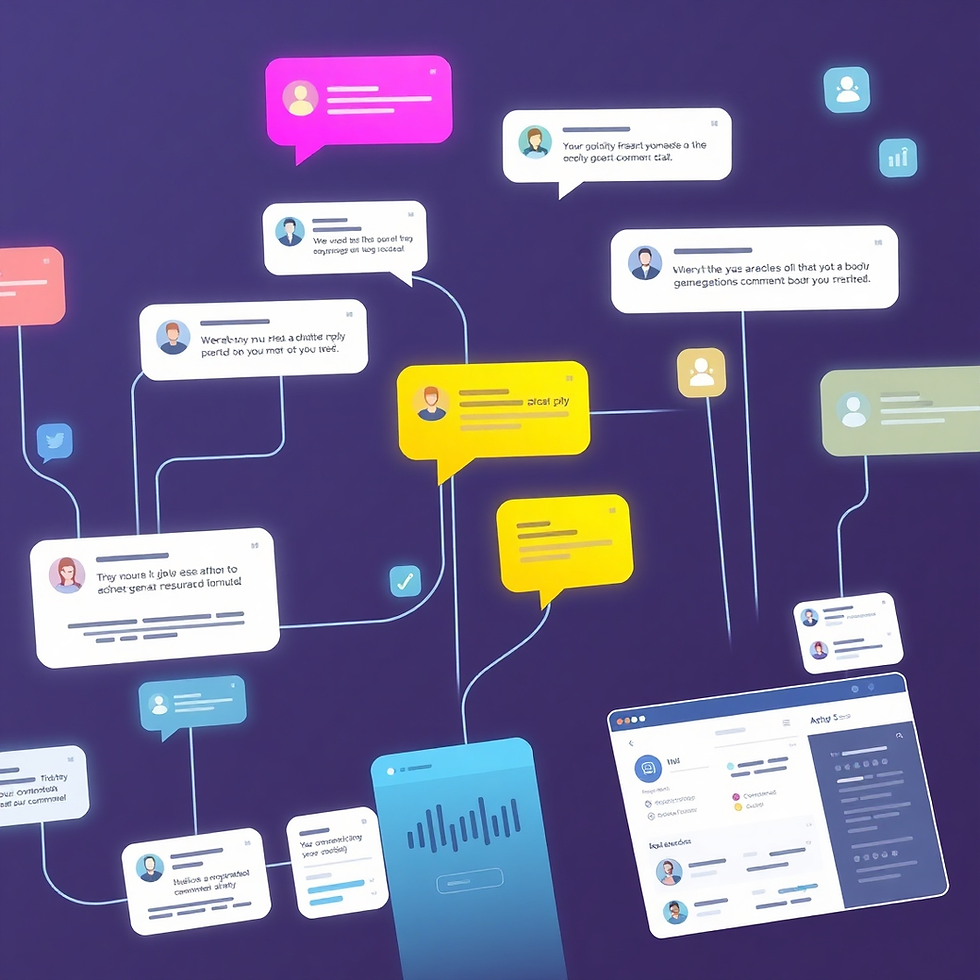
Auto-replies are pre-programmed responses that automatically engage with users when they send messages or leave comments. Comment triggers are specific keywords or phrases within user comments that activate these auto-responses instantly.
For example, if a user comments “How much does this cost?”, a trigger can automatically send a message with pricing details.
This automation is especially useful for channels, brands, and creators aiming to maintain active communication and nurture their audience with timely responses.
2. Benefits of Using Auto-Replies to Boost Engagement
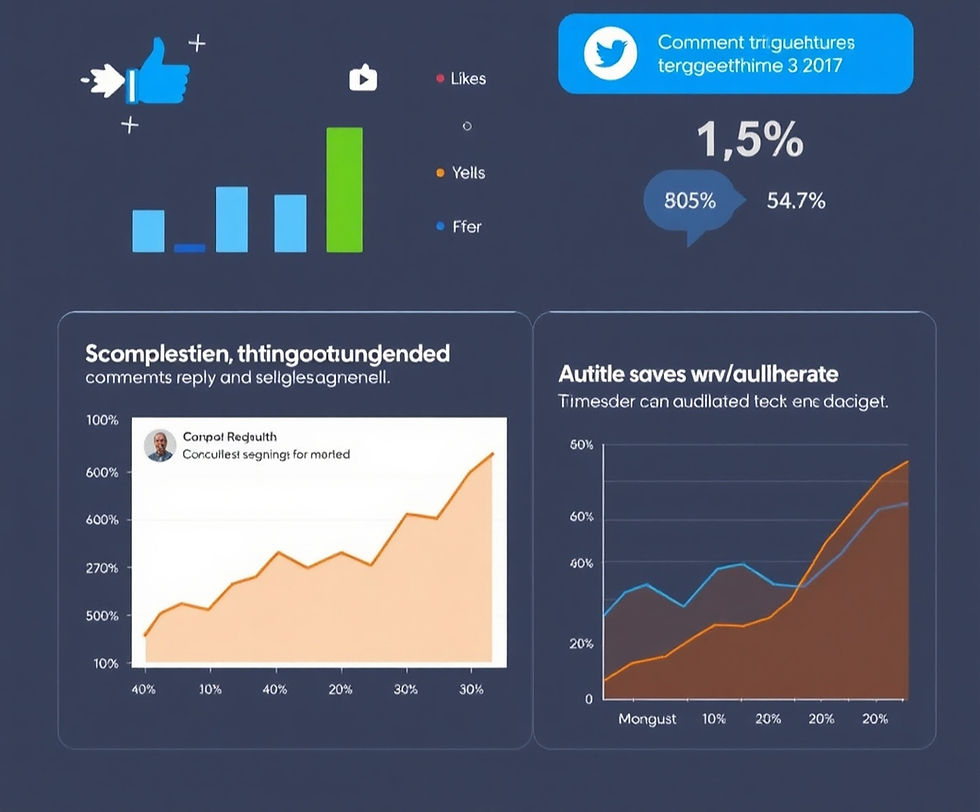
Auto-replies and comment triggers help boost engagement in multiple ways:
Instant Interaction: Users get immediate acknowledgment, increasing satisfaction and encouraging further conversation.
24/7 Availability: Your audience is engaged even when you’re offline or busy.
Scalability: Handle high comment volumes without extra staffing or burnout.
Consistent Messaging: Ensure your audience receives accurate, on-brand replies every time.
These advantages translate to higher retention, better community sentiment, and ultimately more growth.
3. How to Set Up Effective Comment Triggers
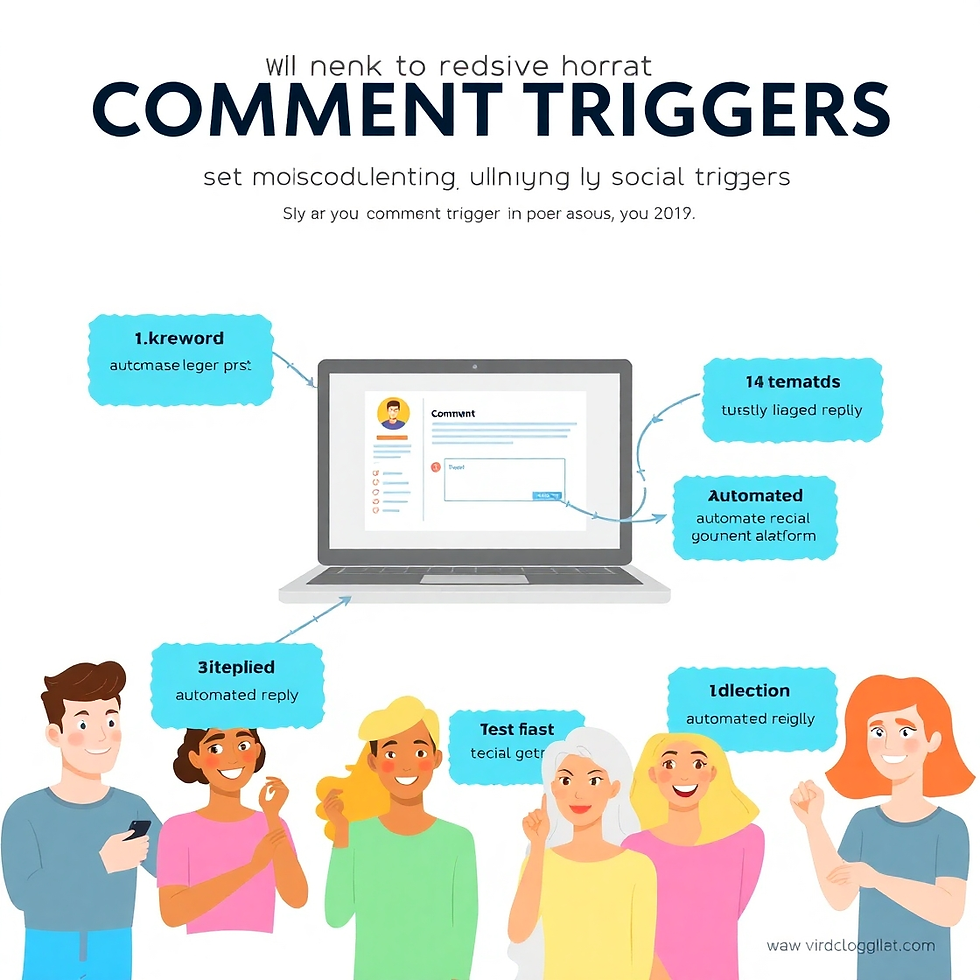
Setting up comment triggers requires strategic planning:
Identify Common Questions and Keywords: Analyze past comments to find recurring inquiries or keywords.
Create Clear, Helpful Replies: Write responses that address these queries precisely while inviting further engagement.
Use Automation Tools: Platforms like ManyChat, MobileMonkey, or native social media tools let you configure these triggers easily.
Test and Refine: Monitor auto-reply performance and tweak keywords and messages to avoid spammy or irrelevant replies.
Using tables to organize keywords and responses can help streamline setup:
Keyword Trigger | Auto-Reply Message | Notes |
Price | Thanks for asking! Our prices start at… | Link to pricing page |
Subscribe | We’d love to have you! Click here to subscribe | Include CTA link |
Shipping | Shipping usually takes 3-5 business days | Add FAQ link |
4. Top Tools and Platforms for Auto-Reply Automation
Several tools make setting up auto-replies and comment triggers accessible even for beginners:
ManyChat: Popular for Facebook and Instagram, with easy drag-and-drop automation workflows.
MobileMonkey: Supports multiple platforms with advanced chatbot features and analytics.
Facebook Creator Studio: Native tool offering comment moderation and auto-replies.
YouTube Comment Moderation: Custom filters and canned responses for managing high volumes of comments.
Selecting the right tool depends on your platform, budget, and complexity of automation needed.
5. Best Practices for Maximizing Engagement without Losing Authenticity

Automation boosts engagement, but authenticity remains key:
Personalize When Possible: Use dynamic fields (like user name) to make replies feel tailored.
Avoid Over-Automation: Don’t spam users with too many replies—balance automation with manual engagement.
Monitor Responses: Keep an eye on triggered replies to ensure relevance and adjust triggers regularly.
Encourage Further Interaction: Use replies to prompt questions, direct users to valuable content, or invite participation.
Striking the right balance builds trust and creates a positive community experience.
Conclusion & Call to Action
Implementing auto-replies and comment triggers is a proven strategy to boost engagement on any content platform. By responding instantly and relevantly, you turn casual viewers into active participants.


Comments