


Use ChatGPT + Runway ML to Generate B-Roll & Visuals Automatically


In today’s fast-paced video creation world, grabbing attention quickly is essential. B-roll and supplemental visuals play a critical role in engaging viewers and making videos more dynamic. But sourcing and editing B-roll footage can be time-consuming and expensive. What if you could generate high-quality B-roll and visuals automatically using AI tools?
This article explores how to use ChatGPT + Runway ML to generate B-roll and visuals automatically—saving time, reducing costs, and boosting video creativity. With these powerful AI technologies, content creators can streamline workflows, scale production, and focus more on storytelling.
Ready to revolutionize your video production? Discover how combining ChatGPT’s intelligent scripting and Runway ML’s advanced video generation can transform your content.
Table of Contents
1. Why Automate B-Roll and Visuals?
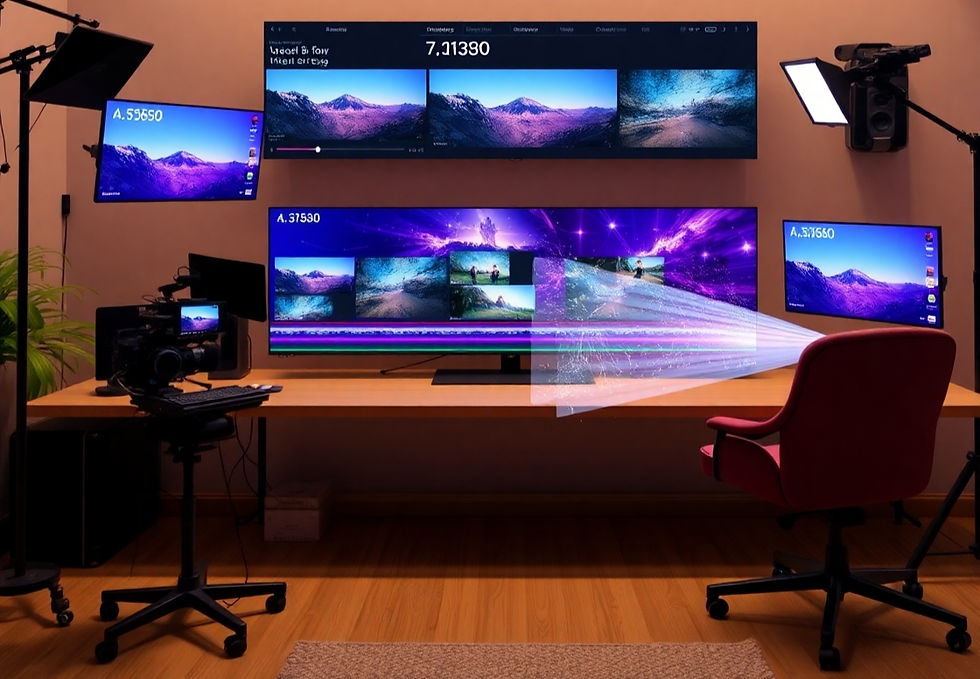
B-roll footage and supplementary visuals enrich your videos but come with challenges:
Time-consuming searches for relevant clips
Licensing costs for quality footage
Manual editing and synchronization hassles
Automating B-roll generation lets creators:
Save hours per video project
Avoid licensing fees
Easily customize visuals to match the script
Incorporating automation tools helps you maintain high production value without increasing workload.
2. Using ChatGPT to Generate Visual Content Ideas and Prompts

ChatGPT is more than a text generator — it’s your AI creative assistant. Here’s how to use it for visual content:
Input your video script or topic and ask ChatGPT for relevant B-roll scene descriptions.
Generate detailed, vivid visual prompts optimized for AI video tools like Runway ML.
Refine prompts iteratively to match your creative vision.
Example prompt for ChatGPT:"Describe a cinematic cityscape at sunset with bustling streets and glowing neon lights, perfect for B-roll in a tech video."
ChatGPT helps build a bridge between your script and the AI visuals, ensuring content alignment.
3. Creating B-Roll Automatically with Runway ML

Runway ML is an AI video generation platform that turns text prompts into video content. Key features for B-roll creation include:
Feature | Description | Benefit |
Text-to-video generation | Converts descriptive text into animated clips | Instant visual content from scripts |
Style and mood controls | Customize color palettes, lighting, and animation | Tailor visuals to your channel’s vibe |
Integration options | Easily export clips for editing software | Smooth workflow from generation to final |
With Runway ML, you can quickly generate custom B-roll footage that matches your video topic, mood, and style.
4. Integrating ChatGPT and Runway ML for Seamless Video Production

By combining ChatGPT and Runway ML, you create an end-to-end automated system for B-roll generation:
Use ChatGPT to generate descriptive B-roll prompts aligned with your script.
Feed those prompts into Runway ML to generate visuals instantly.
Export generated clips into your video editor for final assembly.
This integration:
Reduces manual scripting and visual sourcing time
Maintains consistent storytelling and visual coherence
Enables fast iteration and creative experimentation
It’s an ideal system for creators seeking speed and quality.
5. Tips for Optimizing AI-Generated Visuals in Your Videos

AI-generated visuals are powerful but benefit from thoughtful finishing touches:
Refine prompts for more precise imagery
Use color correction to match your brand style
Sync visuals carefully with your narration and pacing
Combine AI clips with stock footage for variety
Add motion graphics or text overlays to enhance context
By optimizing AI-generated B-roll, you ensure your videos look polished and professional while maintaining the benefits of automation.
Conclusion & Call to Action
Harnessing the power of ChatGPT + Runway ML to generate B-roll and visuals automatically is a game-changer for modern video creators. It streamlines your workflow, reduces costs, and opens new creative possibilities. Start experimenting with these tools today to create captivating videos faster and smarter.


Comments