


How to Deploy AI Agents on Your Website to Automate Engagement


Table of Contents
Introduction: Automating Human Connection

Websites are no longer static brochures. They're living digital storefronts—and visitors expect immediate, helpful interaction. That’s where AI agents come in. With the rise of no-code and low-code tools, it’s now possible to deploy intelligent digital assistants on your website in minutes.
These agents can greet new visitors, answer questions, collect emails, recommend products, and even book calls—all automatically. The result? More engagement, more conversions, and less manual work.
Call to Action:Want to upgrade your user experience today? Keep reading to learn how to deploy smart AI agents on your website and automate customer engagement like never before.
What Are Website AI Agents and Why Use Them?

AI agents on websites are intelligent, automated tools designed to engage, support, and convert visitors. Unlike traditional bots, modern agents use natural language processing (NLP), machine learning, and real-time context awareness.
Key Benefits:
🕒 24/7 availability
⚡ Instant responses
📈 Higher engagement and conversion rates
🤖 Seamless integration with CRMs and analytics
They’re ideal for any website looking to convert cold traffic into warm leads without human intervention.
Choosing the Right AI Agent Platform for Your Site

There are dozens of platforms for deploying AI agents on websites, and the right one depends on your needs, technical ability, and budget.
Platform | Best For | Key Features |
Tidio | eCommerce and small business | Easy setup, Shopify/WordPress plugins |
Drift | B2B and SaaS | Conversational marketing, calendar integrations |
Intercom | Support and onboarding | Smart routing, CRM sync, user profiling |
ChatGPT API | Custom solutions | Fully programmable with OpenAI's models |
Botpress | Developers | Open-source, customizable workflows |
Choose a platform that matches your user type and goal—whether it's lead generation, support, or conversion optimization.
Step-by-Step Guide to Deployment
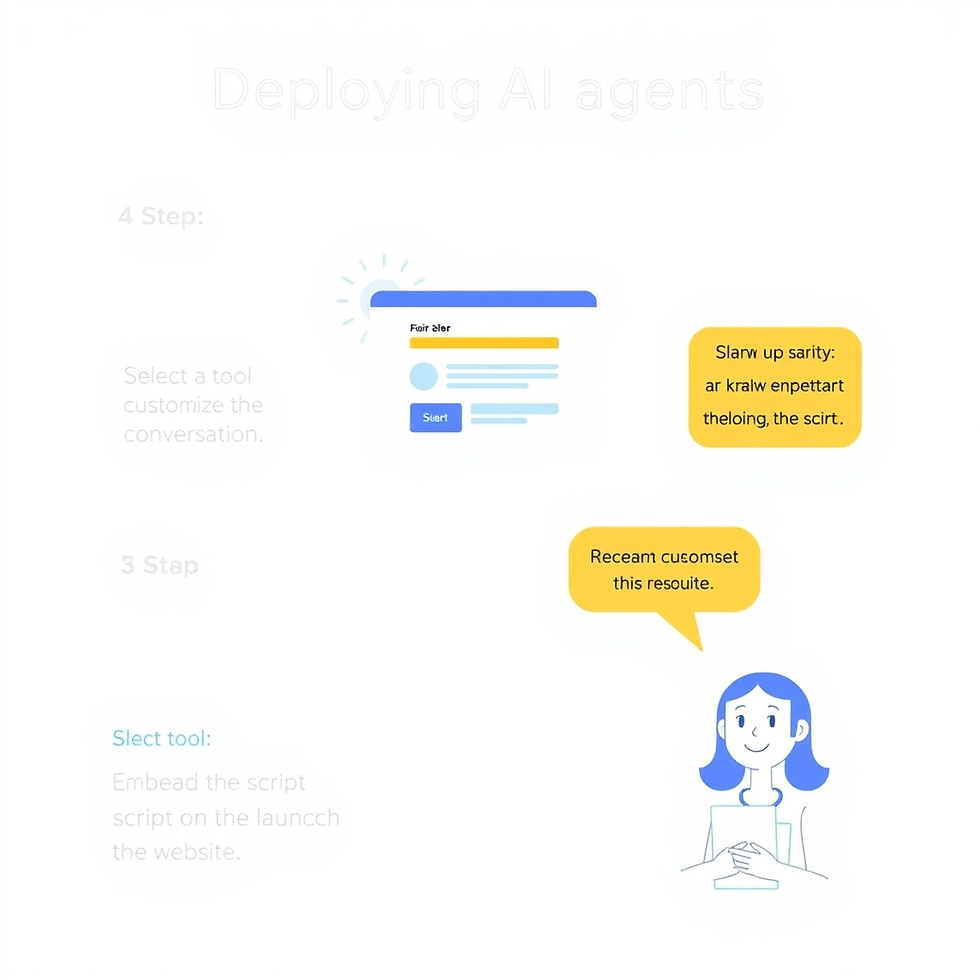
Getting an AI agent running is easier than you think. Here’s a simplified walkthrough:
🚀 Deployment Steps:
Select Your AI Agent Tool (e.g., Tidio, Drift, OpenAI API)
Design the Interaction Flow
Welcome message
FAQs
Call-to-action triggers
Customize the Appearance
Match brand colors and avatar
Connect to Data Sources
CRM, email list, product catalog
Install Embed Code
Paste script into your website’s <head> or use CMS plugins
Test and Launch
Simulate user journeys and review transcripts
Time to deploy? You can go live in under an hour in most cases.
Top Use Cases for Automated Engagement

Here’s what your AI agent can do once live:
🔥 Most Common Use Cases:
Greeting New VisitorsWith smart pop-ups and personalized messaging.
Product RecommendationsBased on user behavior and FAQs.
Lead Capture & QualificationWith email forms and calendar syncs.
Support Ticket RoutingAnswer FAQs or escalate to human support if needed.
Survey and Feedback CollectionAfter user actions like purchases or exits.
This automation improves engagement without annoying users—and provides insights you can act on.
Tips to Optimize Your AI Agent for Better Results

Just launching your AI agent isn’t enough—optimization is key to maximizing engagement.
Optimization Tips:
A/B Test MessagesTry different welcome phrases or call-to-actions.
Use AnalyticsTrack drop-off points and popular queries.
Train with Real User DataFeed transcripts and FAQs into your agent.
Multilingual CapabilitiesExpand your reach by enabling language options.
Integrate Smart EscalationAllow seamless handoff to human agents when needed.
Iterate weekly and your AI agent will become smarter, more helpful, and more valuable over time.
Conclusion: Smarter Sites, Happier Users
AI agents are transforming how businesses engage with customers online. With the right tools, setup, and strategy, your website can offer 24/7 engagement that feels personal, immediate, and valuable.
Don’t just build a website—build an experience.
Ready to deploy your first AI agent? Automate engagement and watch your conversions rise—all while you focus on growing your business.


Comments